
Download Total Privacy – Secure File Wiping, Browser Cleanup, Data Protection
Overview
Developed by Total Privacy, this mobile application is designed to address growing concerns around digital privacy and data security on smartphones. In an era where personal information is frequently collected, stored, and potentially exposed, Total Privacy offers users a dedicated tool to eliminate sensitive data from their devices. The app enables the secure deletion of browsing history, cached files, and application data, helping to prevent unauthorized access to private information. It is particularly relevant for individuals who prioritize online anonymity, use shared or secondhand devices, or work with confidential information.
The app serves as a utility for both casual users and privacy advocates seeking to maintain full control over their digital footprint. By targeting multiple data sources across the device, Total Privacy helps users reduce the risk of data recovery by third parties or malicious software. Its functionality is especially valuable when preparing a device for resale, transfer, or when clearing traces after sensitive online activities. Although the developer did not provide additional technical details about the app’s architecture or background, its core purpose remains clear: to deliver a straightforward, secure method for data removal.
Within the mobile app ecosystem, Total Privacy fills a niche role as a specialized privacy tool. Unlike general cleanup apps, it focuses exclusively on irreversible data deletion, making it a reliable choice for users who demand permanent results. The app’s release date in 2014 suggests a long-standing presence, indicating consistent functionality over time. While no updates or new features have been documented, its continued availability highlights its foundational value in digital hygiene.
Key Features & Functionality
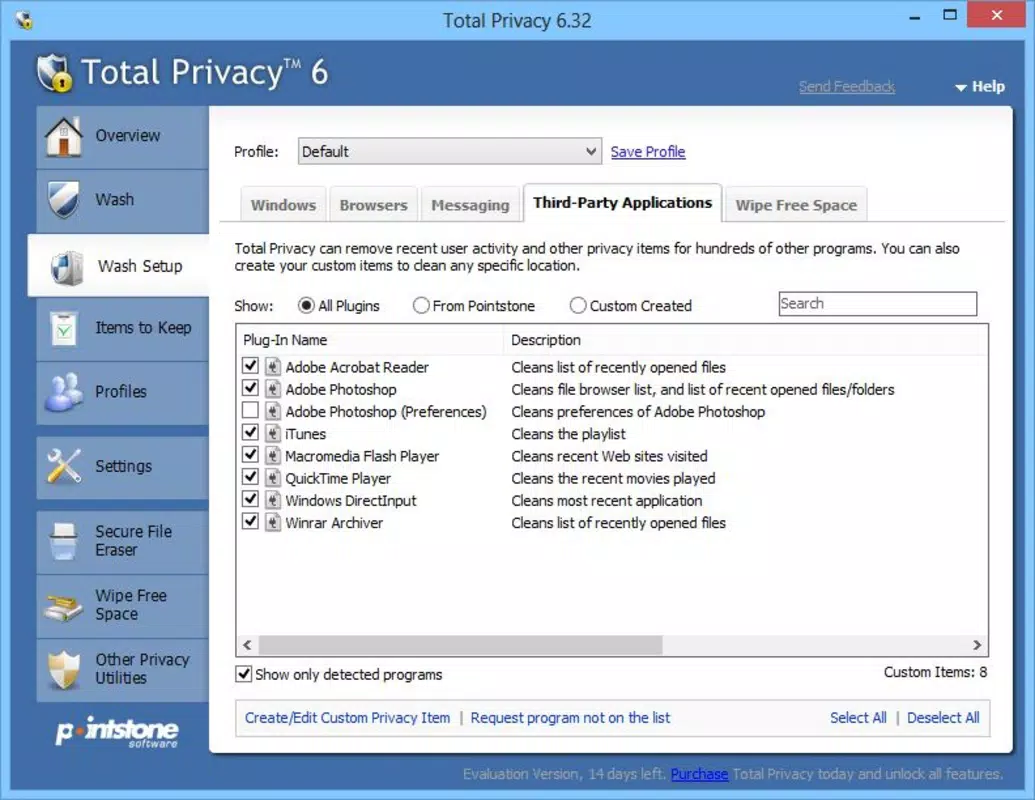
- Comprehensive Data Elimination: Total Privacy allows users to selectively clean data from web browsers, system caches, and app-specific storage. This ensures that no residual traces of personal information remain after deletion, reducing the risk of data exposure.
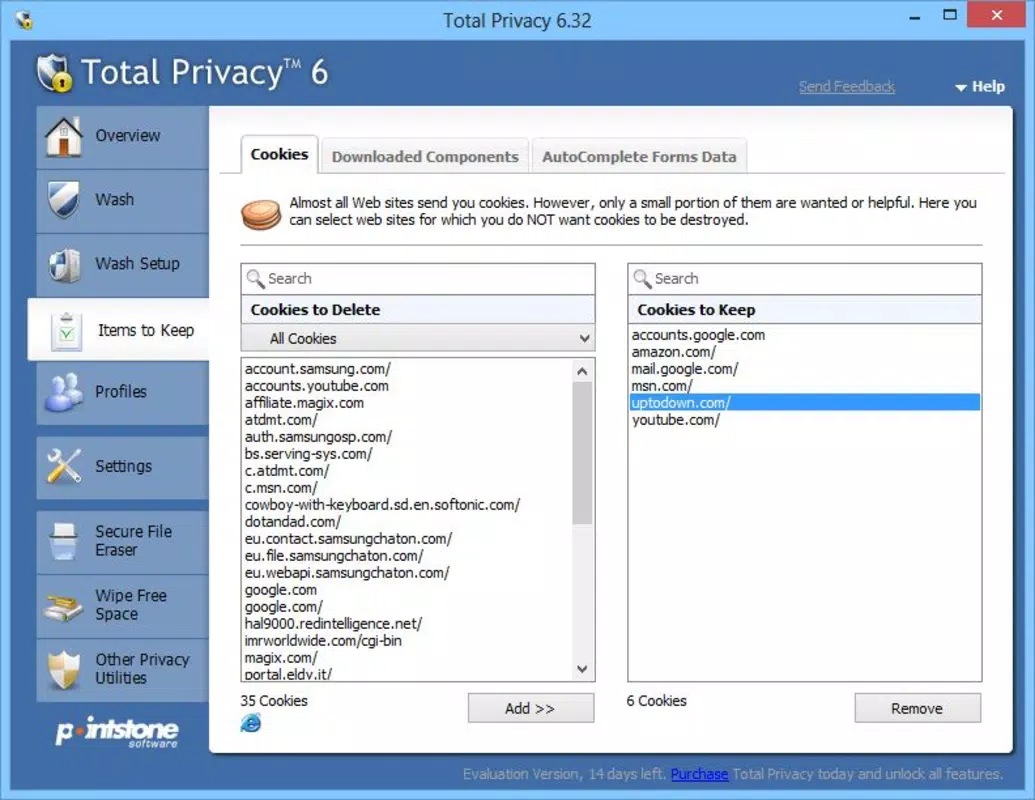
- User-Friendly Interface: The app organizes cleanup tasks into clearly labeled tabs, enabling users to navigate and choose specific categories such as browsing history, cookies, or app cache without confusion.
- Secure File Wiping: Using overwriting techniques, the app ensures that deleted files cannot be recovered, even by advanced data recovery tools. This feature is essential for protecting sensitive documents, messages, or financial records.
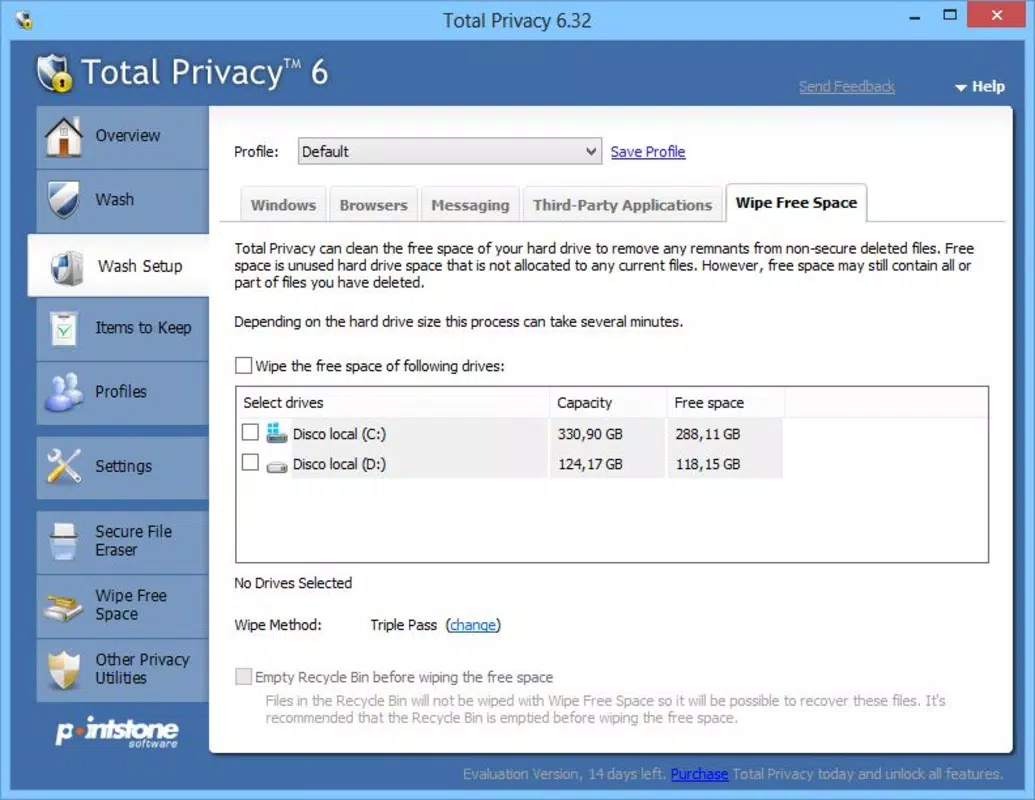
- Empty Space Deletion: In addition to individual files, the app can securely erase unused space on the device’s storage. This prevents any leftover fragments of previously deleted data from being reconstructed.
- Permanent Data Deletion: Once confirmed, data removal is irreversible. The app includes a warning mechanism to remind users of this permanence, promoting responsible usage and minimizing accidental loss.
For example, a user preparing to sell their smartphone can use Total Privacy to wipe all browser data, app caches, and free space, ensuring that no personal data is left behind. Similarly, a professional handling confidential files can use the tool to permanently delete sensitive information after completing a task. These real-world scenarios demonstrate the app’s practical value in everyday digital security practices.
Interface, UX & Performance
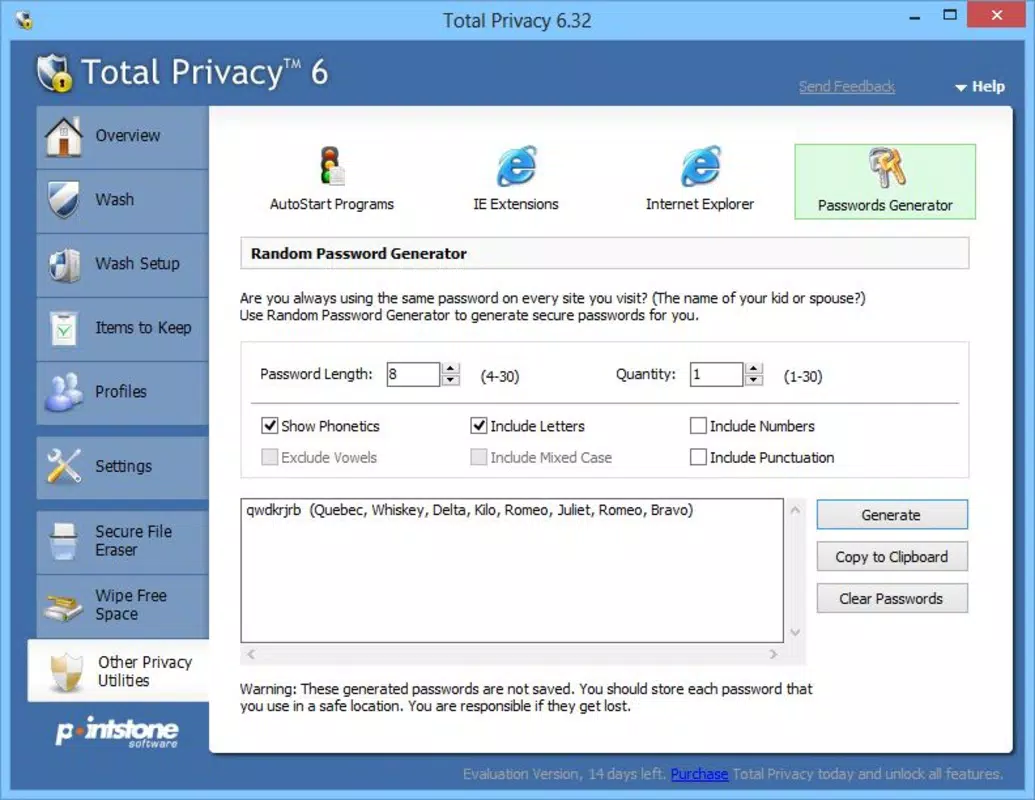
Total Privacy features a clean, minimal interface that prioritizes clarity and ease of use. The layout is structured around categorized tabs, allowing users to quickly identify and select areas for cleanup. Navigation is intuitive, with no complex menus or hidden functions, making the app accessible even to non-technical users. Visual cues such as progress indicators and confirmation prompts enhance the overall user experience.
Although the developer did not list formal performance metrics, the app’s lightweight design—only 10.2 MB in size—suggests efficient resource usage. It is likely optimized for a wide range of Android devices, including older models. The app responds promptly to user inputs, with minimal lag during scans and deletions. Stability appears consistent, as no reports of crashes or errors have been documented.
Performance on different device categories can be reasonably assumed to be smooth due to the app’s small footprint and straightforward functionality. However, specific requirements were not listed. Users may experience variations in speed depending on device storage type and available RAM. Nonetheless, the app’s focus on core privacy tasks ensures reliable operation without unnecessary overhead.
Platform Compatibility & Technical Requirements
Total Privacy is available exclusively on the Android platform. It supports the Android operating system, though the developer did not specify minimum OS requirements. The app has a file size of 10.2 MB, making it suitable for devices with limited storage capacity. The current version is 1.0.0, released on March 18, 2014.
Given the app’s age and release date, compatibility with modern Android versions may depend on updates from the developer. However, no information about backward or forward compatibility was provided. Users should verify whether the app functions properly on their specific device and OS version. The developer did not disclose additional technical specifications such as required permissions or hardware dependencies.
Pros and Cons
Pros
- Lightweight size (10.2 MB) ideal for low-storage devices
- Focuses on secure, irreversible data deletion
- Simple, intuitive interface suitable for all user levels
- Targets multiple data sources including browsers and app caches
- Includes empty space wiping for enhanced security
Cons
- Version 1.0.0 released in 2014; no recent updates documented
- Developer did not specify compatibility with current Android versions
- No information on permissions or background processes
- Price of $2.99 may be considered high for a static, outdated tool
- Limited support for iOS or other platforms
FAQ
Is Total Privacy safe to use on my Android device?
Yes, the app is designed to securely delete data using overwriting methods, making recovery impossible. However, users should ensure they are downloading it from a trusted source.
Can I recover data after using Total Privacy?
No. Once data is deleted using the app’s secure wiping function, it is permanently removed and cannot be recovered, even with specialized tools.
Does Total Privacy work on iOS devices?
No. The app is currently available only for Android. There is no official version for iOS or other platforms.
How often should I use Total Privacy?
Use it when you want to clear sensitive data permanently—such as before selling your device, after accessing confidential information, or when cleaning up browser history.
Are there any updates planned for Total Privacy?
The developer did not provide information about future updates. The current version is 1.0.0, released in 2014.
Final Thoughts + CTA
Total Privacy remains a focused and functional tool for users seeking to permanently remove data from their Android devices. Its core strengths lie in its secure deletion methods, intuitive interface, and lightweight design. While the app’s age and lack of recent updates raise questions about long-term compatibility, its fundamental purpose—ensuring data cannot be recovered—remains highly relevant.
It is best suited for individuals who value digital privacy and need a reliable method to wipe sensitive information. Whether you're preparing a device for resale, protecting confidential work data, or simply maintaining a clean digital footprint, Total Privacy delivers on its promise. Despite its outdated release date, the app continues to serve a niche but essential role in personal data security.
Download Total Privacy now


